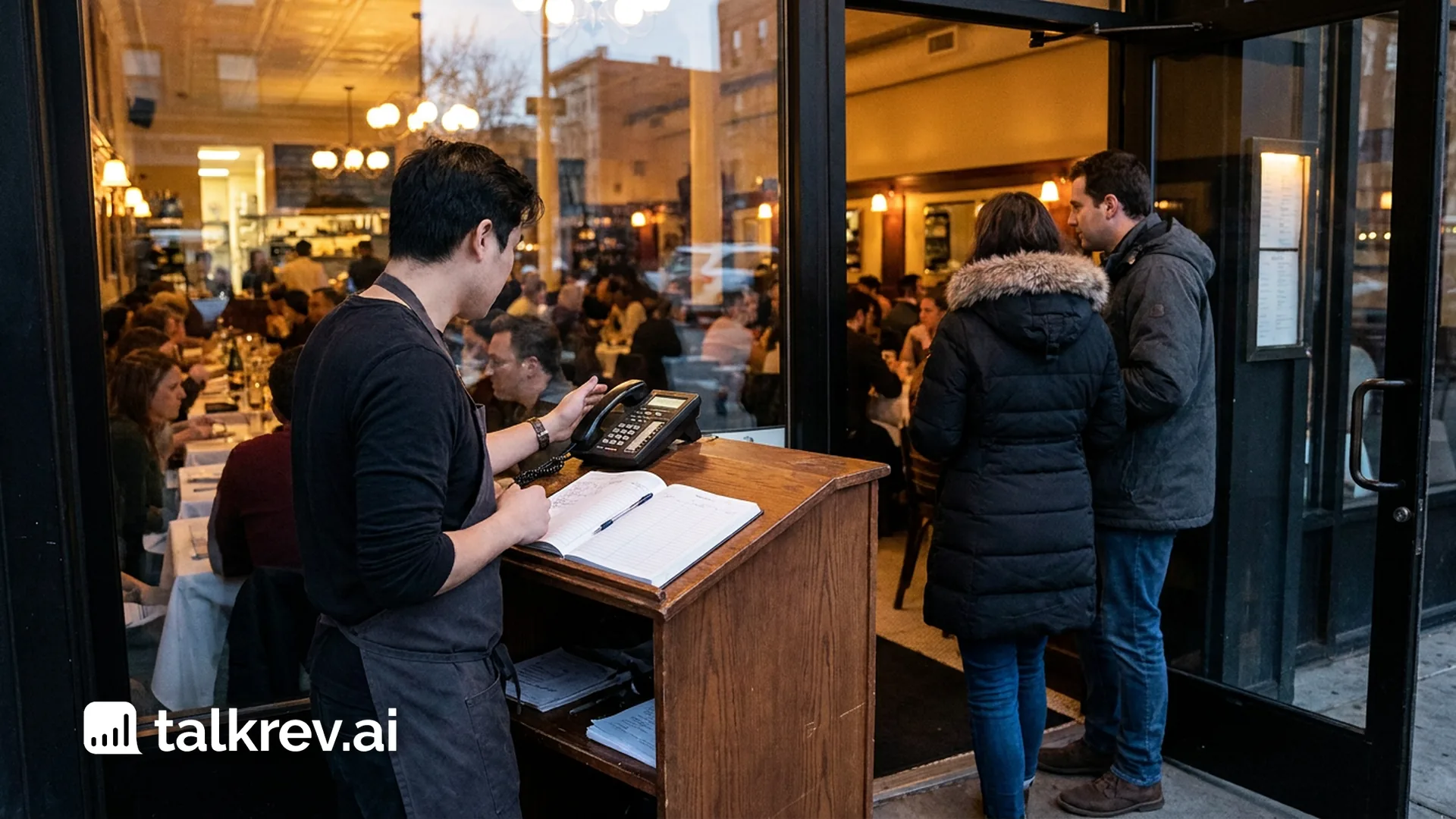
Customers in 2026 expect instant, accurate support 24/7. But for growing businesses, manually answering the same questions about pricing, booking, and policies is impossible to scale.
This is where an AI Chat Agent becomes your most valuable team member. Unlike old-school chatbots that rely on rigid “if-this-then-that” rules, TalkRev uses your actual business data to provide human-like responses instantly.
In this guide, we’ll show you how to set up your TalkRev AI Agent in five simple steps with no coding required.
1. Build the “Unified Brain” (Knowledge Base)
Both your Chat Agent and Voice Agent pull from the same information. This ensures that a customer gets the same answer whether they ask over text or over the phone.
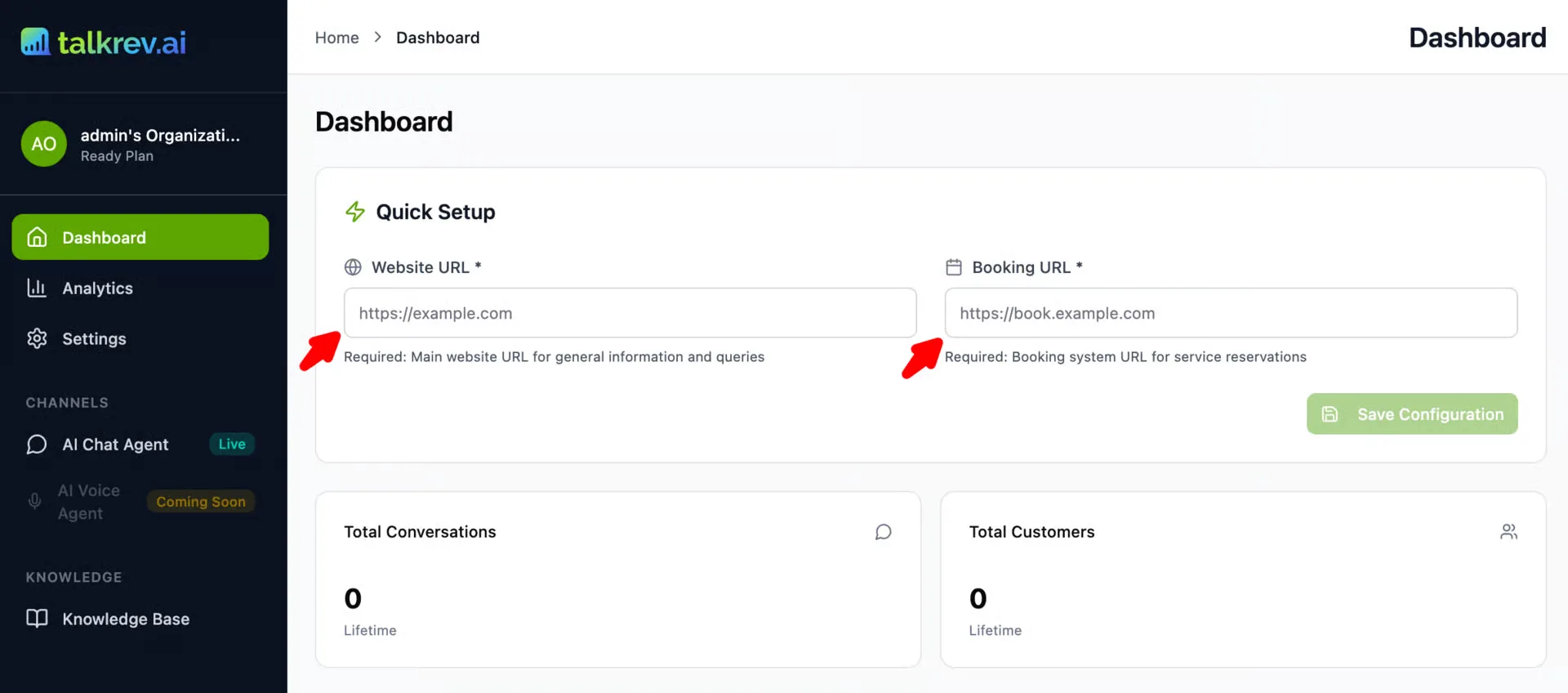
- Website Crawl: Give TalkRev your URL, and it will index your services, FAQs, and policies.
- Document Uploads: Feed your Agent PDFs or Word docs for deep technical or policy knowledge.
- Real-Time Sync: If you want to introduce any changes, hit “Edit” near the existing knowledge base and after adding the info click “Save & Update AI”, both your Chat and Voice agents will be updated.
2. Personalize Your Chat Agent
Your Chat Agent is the face of your website. Navigate to Channels → AI Chat Agent to:
- Brand the Experience: Match the widget colors to your site and upload a custom avatar.
- Set the Greeting: Create a welcome message that reflects your brand voice-from “Professional/Formal” to “Friendly/Casual.”
3. Activate and Personalize Your Voice Agent
With TalkRev, your AI isn’t confined to a screen. You can deploy a Voice Agent that handles incoming calls with the same intelligence as your chat agent.
-
Voice Selection & Personalization: The Voice Library: Choose from our extensive library of professional AI voices. Whether you need a tone that is authoritative, warm, or energetic, you can find the perfect match for your brand identity.
-
Voice Cloning (Custom): For a truly bespoke experience, you can upload a recording of a real voice for the AI to imitate. The longer the recording provided, the higher the fidelity of the imitation.
-
Authorization & Ethics: To ensure security, the use of a real person’s voice requires explicit authorization before the agent can be activated.
-
Call Transfer Settings: A professional agent knows when to bring in a human expert. In the Call Transfer Settings, you can toggle “Enable call transfer” to allow the AI to hand off the conversation when needed. Transfer Destinations: You can add multiple destinations and link them to specific phone numbers.
-
Custom Transfer Message: You have the option to set a specific message the AI speaks to the caller before the line is transferred (e.g., “Let me transfer you to someone who can help.”).
-
Specific Instructions: You can provide your Voice Agent with specific behavioral guidelines. This ensures the AI follows your preferred communication style, handles sensitive topics correctly, and knows exactly when to trigger a transfer to your team.
4. Test in the Playground
Before your agents talk to real customers, put them through a “job interview.”
- Chat Preview: Use the TalkRev workspace to ask your Chat Agent tricky questions.
- Voice Testing: Call your assigned AI number to hear how the Voice Agent handles natural conversation and interruptions.
- Gap Analysis: If the agent doesn’t know an answer, add that specific info to the Knowledge Base and watch it learn in real-time.
5. Deploy and Scale
Once your agents are trained, it’s time to go live:
- For Chat: Copy the installation code and paste it into your site (WordPress, Shopify, Wix, etc.).
- For Voice: Route your business calls to your TalkRev Agent or use it as an after-hours receptionist.
Why 2026 is the Year of the AI Agent
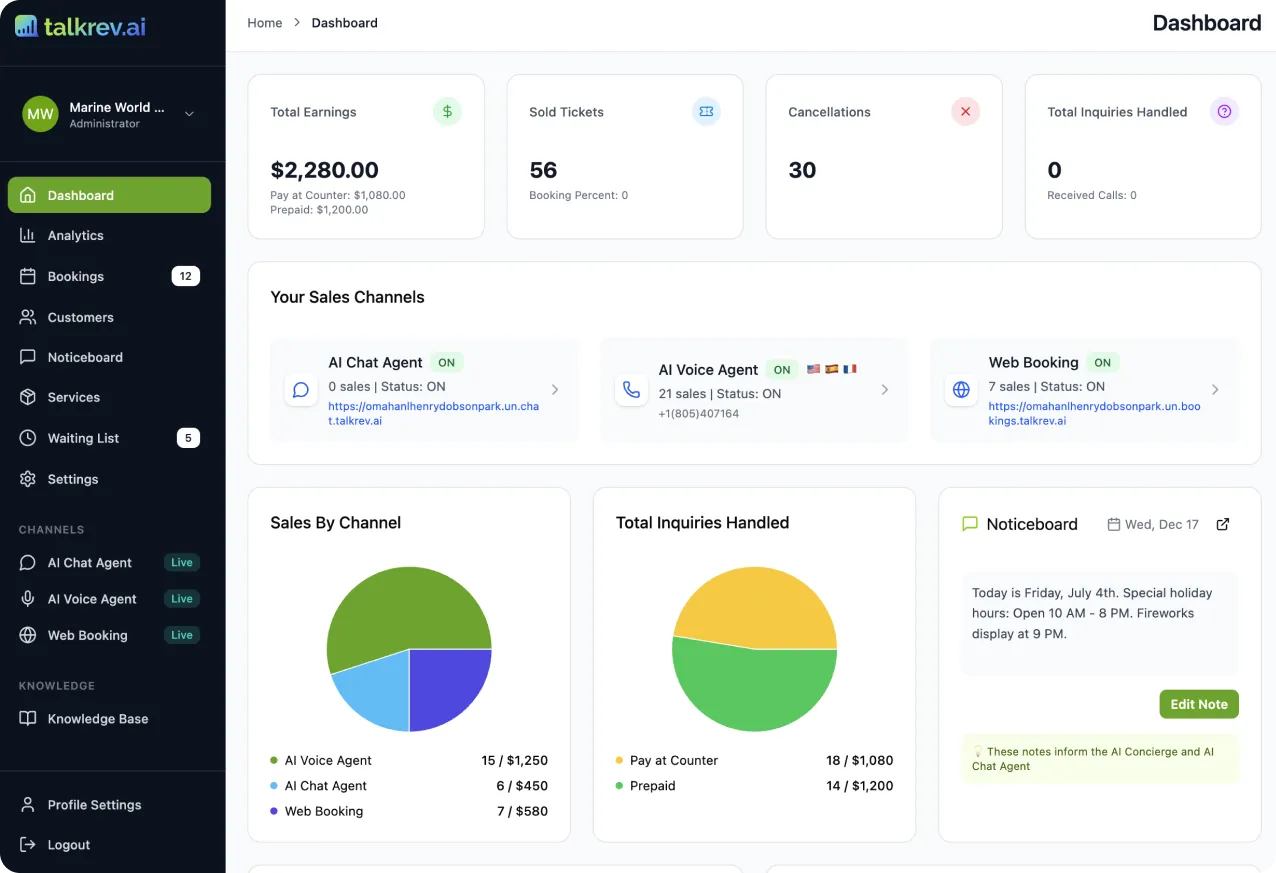
A successful customer support chatbot works alongside your team, not instead of it. By handling the 70% of routine questions that eat up your day, TalkRev frees you up to focus on complex tasks and high-value clients.
A Chat Agent reduces your website bounce rate by providing instant answers. A Voice Agent ensures you never miss a lead because you were on another call. Together, they create a 24/7 support system that never gets tired and never gives a wrong answer.
Ready to hire your first AI Agent? Explore TalkRev AI Agents now!
The TalkRev blog
One short email per new post
No ads. Unsubscribe anytime.